Keep the main phone free
Calls, messages, and everyday apps remain on the phone you carry while the spare device stays aimed at the road.
Spare iPhone dash cam
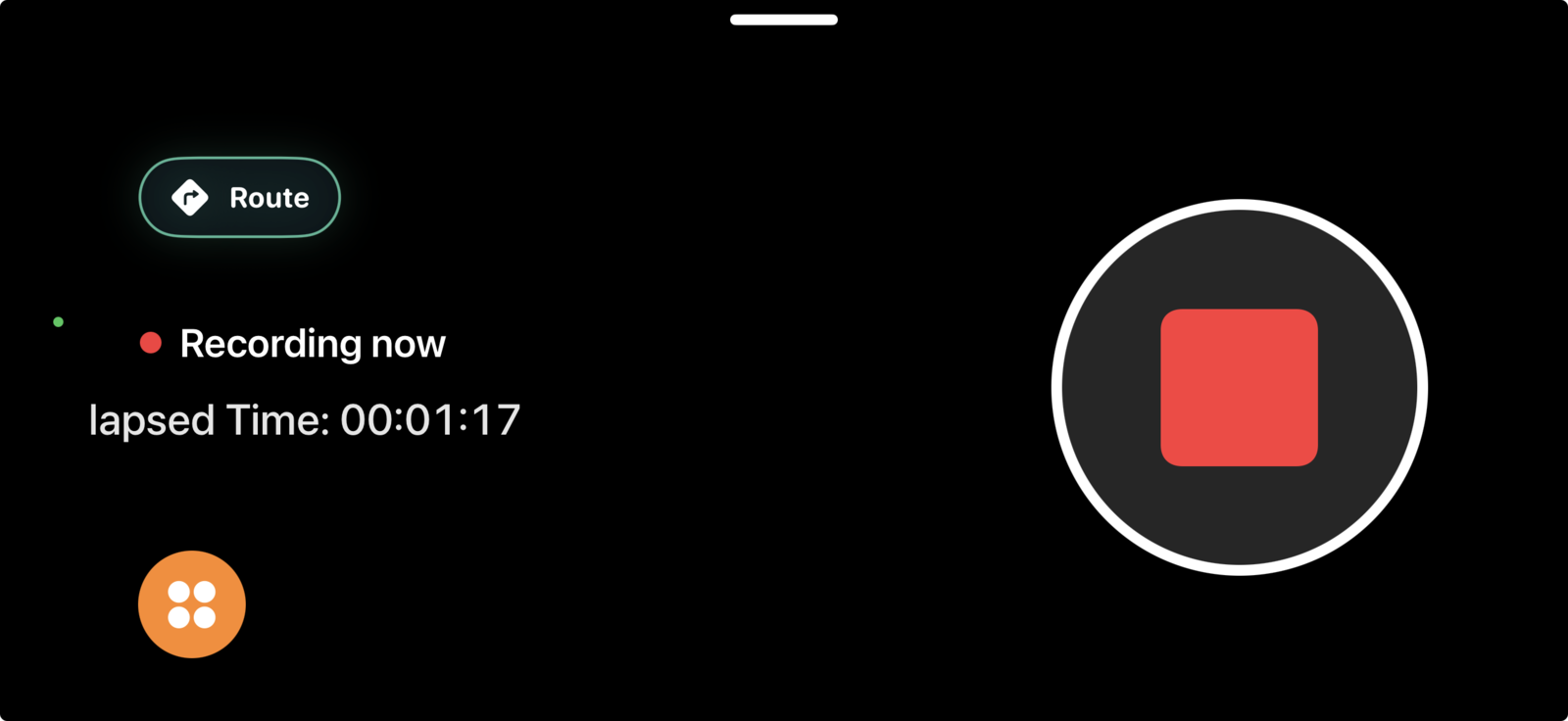
A compatible spare iPhone can stay focused on recording while your everyday phone remains available for calls, messages, and everything else.
Compatibility checklist
Verify the device before committing it to a drive. “Spare” should not mean a phone with an unreliable camera, damaged battery, or unsupported software.
Why use a spare
Calls, messages, and everyday apps remain on the phone you carry while the spare device stays aimed at the road.
Give a compatible phone with a good camera a specific purpose instead of leaving it unused.
Saved footage, route context, bookmarks, and storage controls remain together on the recording device.
Know the limits
Strong fit
Replace or repair first
Do not leave a phone in unsafe conditions. Vehicle cabins can become extremely hot or cold. Remove or protect the device when temperature, theft risk, local rules, or the mount manufacturer’s guidance make leaving it installed unsafe.
Spare-iPhone FAQ
Start with compatibility and reliability, then decide how much connectivity the setup needs.
A compatible iPhone with a working camera, sufficient storage, supported iOS version, secure mount, and reliable power can run DashMap as a dedicated recorder. Check current App Store compatibility first.
Local recording and storage do not require a separate camera cloud service. Live search, traffic, and other network-dependent features require connectivity through cellular service or an available hotspot.
Remove or protect the phone when heat, cold, theft risk, local rules, or the mount manufacturer’s guidance make leaving it unsafe. DashMap is not designed for unattended continuous parking surveillance.