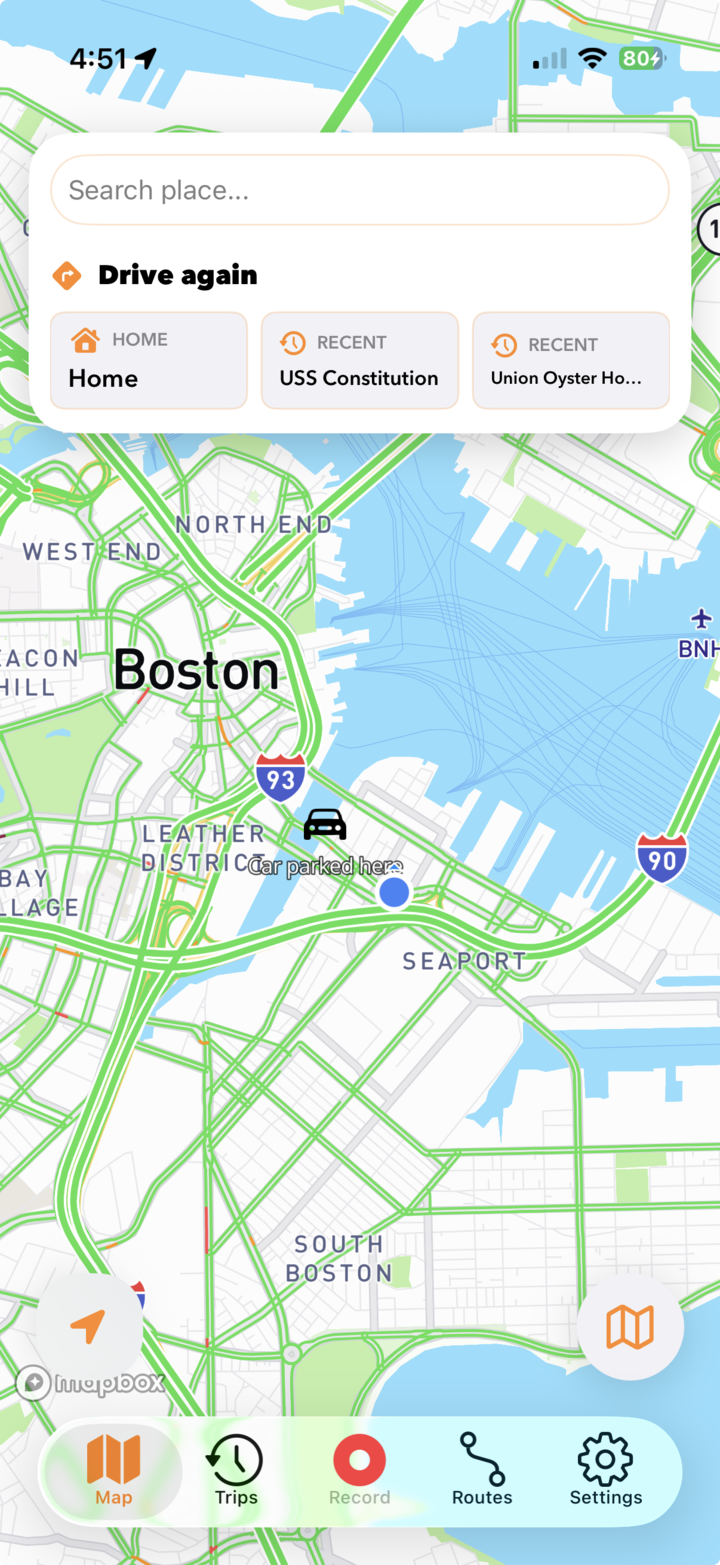
DashMap records the road from a mounted iPhone, keeps the route around each clip, and lets you review or share footage without connecting to a separate camera.
A phone-based recorder and installed hardware solve different jobs.
The right choice depends less on a headline specification and more on whether the camera must travel with you or remain permanently attached to one vehicle.
DashMap fits
Portable, intentional recording.
You move between personal, rental, borrowed, or shared vehicles.
You want footage and route context available directly on the recording iPhone.
You prefer local video storage without a camera Wi-Fi transfer.
You want to try a dash cam before purchasing and installing separate hardware.
Installed hardware fits
Automatic, permanent coverage.
The recorder must start automatically whenever the vehicle powers on.
You need continuous parking surveillance while away from the car.
You need dedicated rear, cabin, or multi-camera coverage.
You want your everyday phone completely separate from recording.
Before you drive
A clear view, power, storage, then record.
Set up the phone while parked. The recording view should be stable, unobstructed, and legal where you drive.
Mount securelyPlace the iPhone where its rear camera has a clear forward view without blocking the driver.
Connect powerUse vehicle power for longer drives and keep the phone shaded with airflow around the mount.
Choose storageSelect a local video limit. DashMap removes the oldest local footage after the limit is exceeded.
Start recordingUse Quick Record without a destination or Navigate and Record when you also want directions.
Heat is a real phone limitation. DashMap can reduce recording frame rate as the iPhone warms and restore the selected rate after it cools. Direct sun, charging, screen brightness, the phone model, and ambient temperature all affect thermal behavior.
iPhone dash cam FAQ
What to know before relying on your phone.
DashMap is designed to be clear about both the convenience and the limits of recording on an iPhone.
Can an iPhone work as a dash cam?
Yes. With a secure mount and clear forward view, DashMap can record the road and keep the video with route and trip context. Recording is intentional rather than a replacement for a permanently wired, always-on camera.
Does DashMap upload dash cam video to the cloud?
Drive videos stay on the iPhone unless you choose to share them. You select a local storage limit, and DashMap removes the oldest local videos when that limit is exceeded.
When is a physical dash cam better?
Choose dedicated hardware for automatic startup, continuous parking surveillance, permanent rear-camera coverage, or a recorder that must remain independent from your phone.