No hardwiring
Use a removable mount and available vehicle power without installing a permanent camera or cable kit.
Dash cam for rental cars
DashMap uses the iPhone you already travel with, so the same road-recording setup can move from a rental car to a borrowed vehicle or the next road trip.
Pack once
Prepare the app before travel so setup at the rental counter is only about mounting, power, and a quick camera check.
Check the rules where you drive. Windshield-mount placement, audio recording, and road-video rules vary by location. Also check the rental agreement before attaching any accessory to the vehicle.
Why it travels
When the vehicle changes, the same app still holds your videos, routes, bookmarks, parking memory, and selected storage controls.
Use a removable mount and available vehicle power without installing a permanent camera or cable kit.
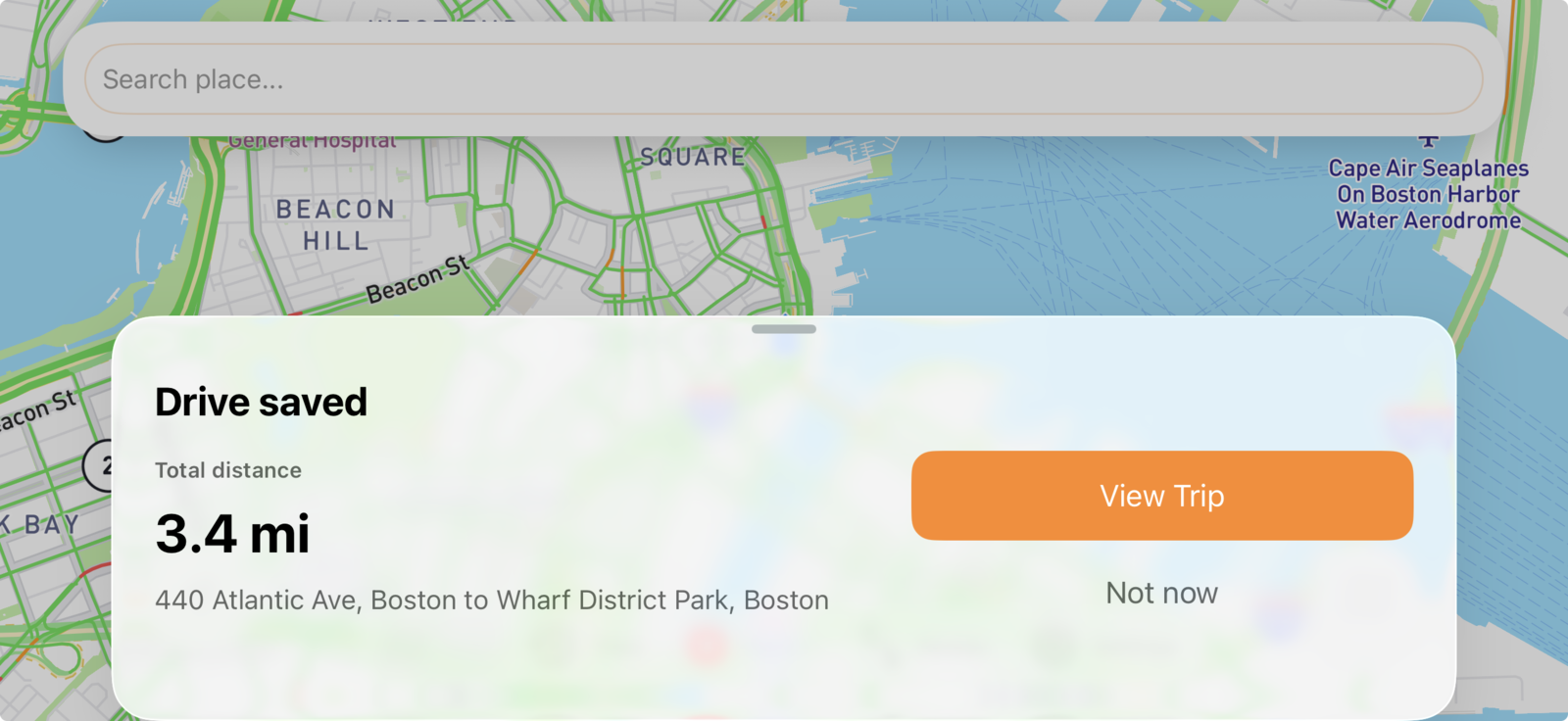
Open the saved drive on the same iPhone instead of joining a camera Wi-Fi network or removing an SD card.
See where the recorded drive happened and return to deliberate bookmarks instead of searching anonymous clips.
The honest tradeoff
DashMap fits
Portable hardware fits
Rental-car dash cam FAQ
A few checks prevent the recording kit from becoming another travel-day problem.
Yes, if the phone can be mounted securely with a legal, unobstructed view and the rental agreement allows the temporary accessories used. DashMap records intentionally without hardwiring the vehicle.
Bring a removable phone mount, a compatible charging cable and power adapter, and enough iPhone storage. Install DashMap and verify permissions before collecting the car.
No. DashMap is designed for drives you intentionally record. It is not a continuous parking-surveillance replacement for a hardwired dash cam.