Start with the phone you have
Mount your iPhone, open DashMap, and start Quick Record or Navigate and Record. There is no separate camera, wiring kit, or SD card to configure.
Portable iPhone dash cam app
Record the road, keep the route context, and review or share footage directly from your iPhone — without buying another camera or fighting a camera Wi-Fi connection.
Private by default: drive videos stay on your iPhone unless you choose to share them.
Driving evidence without extra hardware
DashMap is an iPhone dash cam and driving recorder for drivers who want useful footage without buying, wiring, or maintaining another camera.
Mount your iPhone, open DashMap, and start Quick Record or Navigate and Record. There is no separate camera, wiring kit, or SD card to configure.
Use the same portable dash cam in your own car, a rental, a borrowed vehicle, or a road trip where installing permanent hardware makes no sense.
Review the video with its route, parking location, hard braking, sharp turns, and bookmarks instead of searching through anonymous camera files.
Review the trip on the iPhone that recorded it, jump to saved moments, trim the video, and share the clip you need without removing an SD card.
Private local storage
DashMap stores drive videos locally on your iPhone. Your footage stays on the device unless you choose to share it, and you can set a storage limit so older local videos are removed automatically. When your iPhone gets warm, DashMap adapts the recording frame rate to prioritize recording continuity.
Read the Privacy PolicyLocal video storage
Physical dash cam alternative
A physical dash cam is still better for permanent front-and-rear or parking coverage. DashMap is better when you want portable road recording, instant review, and trip context from an iPhone you already carry.
| Need | DashMap | Physical dash cam |
|---|---|---|
| Setup | No extra hardware. Use your mounted iPhone as a dash cam app. | Requires buying, installing, powering, and maintaining a separate camera. |
| Always-on coverage | Best for drives you intentionally record, with CarPlay controls and reminders when supported. | Better for permanent, automatic, always-on recording in one vehicle. |
| Portability | Works across your own car, rental cars, borrowed vehicles, and road trips. | Usually fixed to the vehicle where it is installed. |
| Driving context | Pairs video with route maps, parking memory, bookmarks, driving events, and trip summaries. | Often centers on raw footage; route and app review features vary by model. |
| Review and sharing | Review, trim, and share directly from the recording iPhone with no camera Wi-Fi transfer. | May require an SD card, a companion app, or a cloud subscription. |
| Privacy and storage | Videos stay local by default, with storage limits and automatic cleanup. | Depends on the camera, memory card, companion app, and cloud settings. |
Driving memory
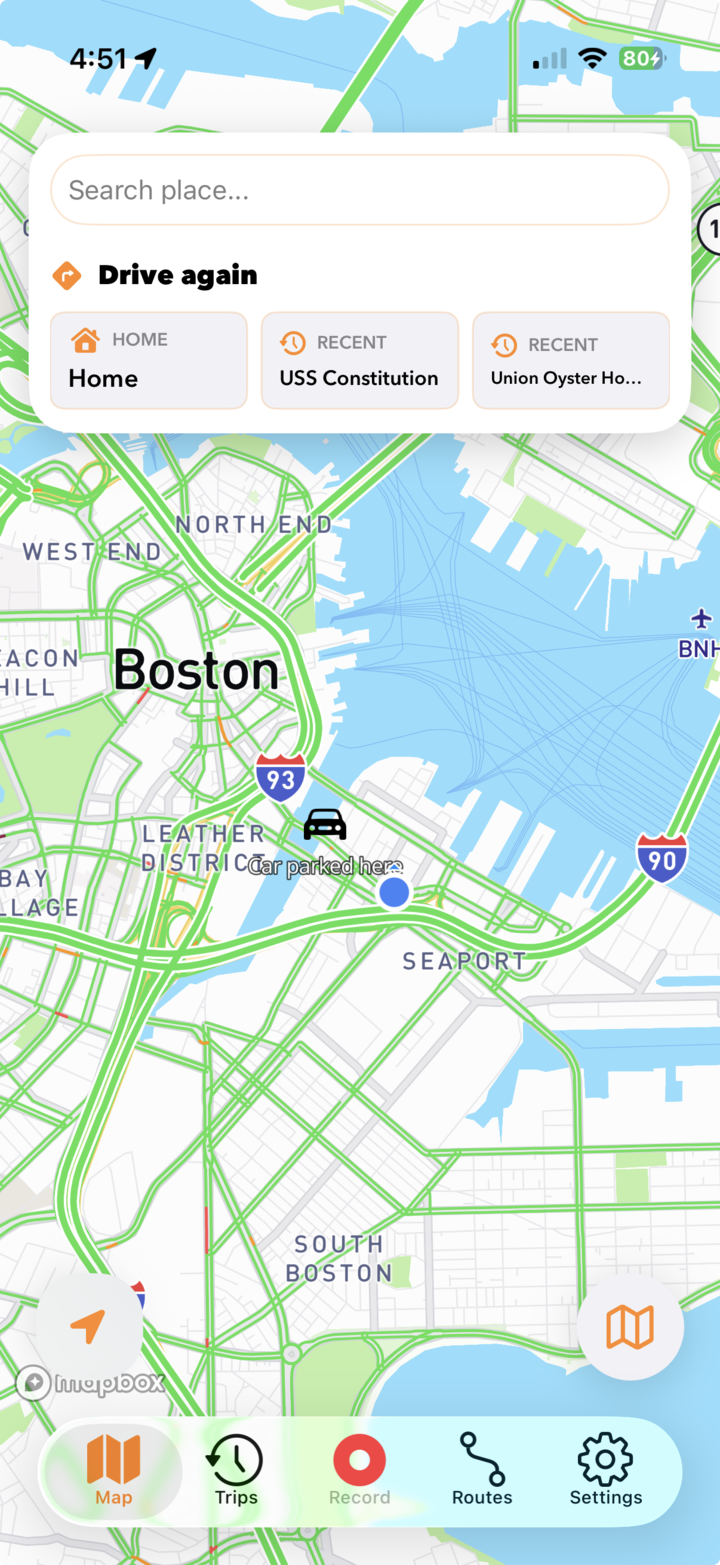
DashMap turns each recorded drive into a searchable trip with video, route, parking location, driving events, and moments you deliberately saved.
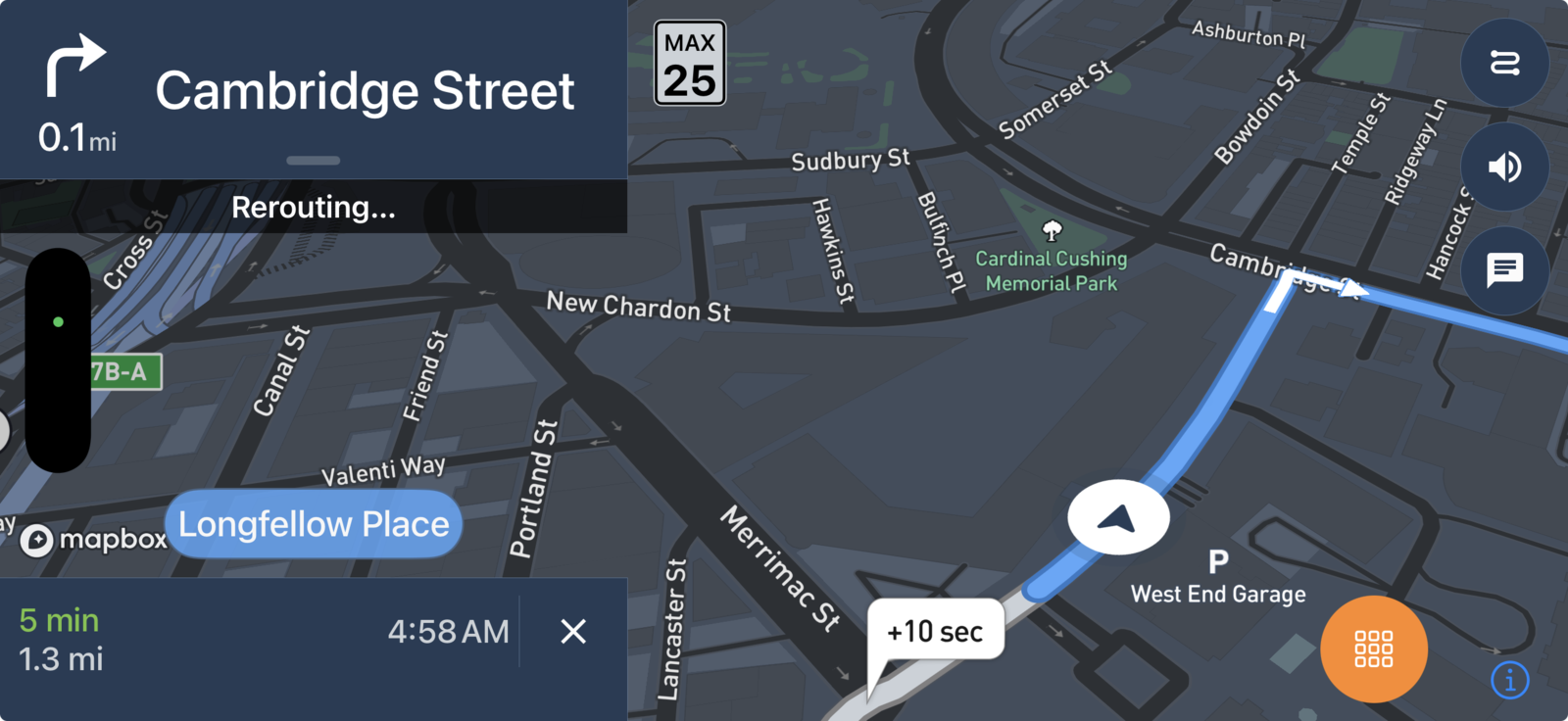
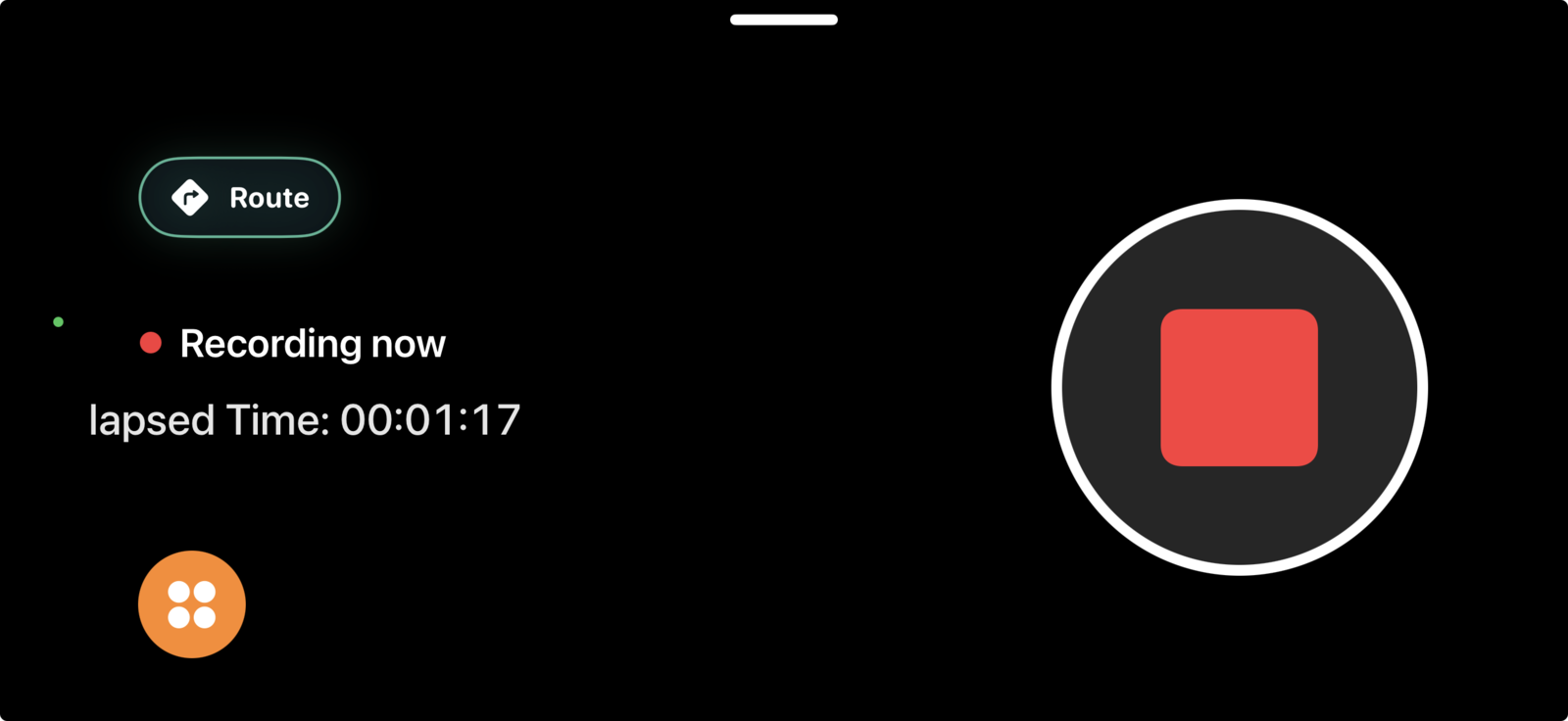
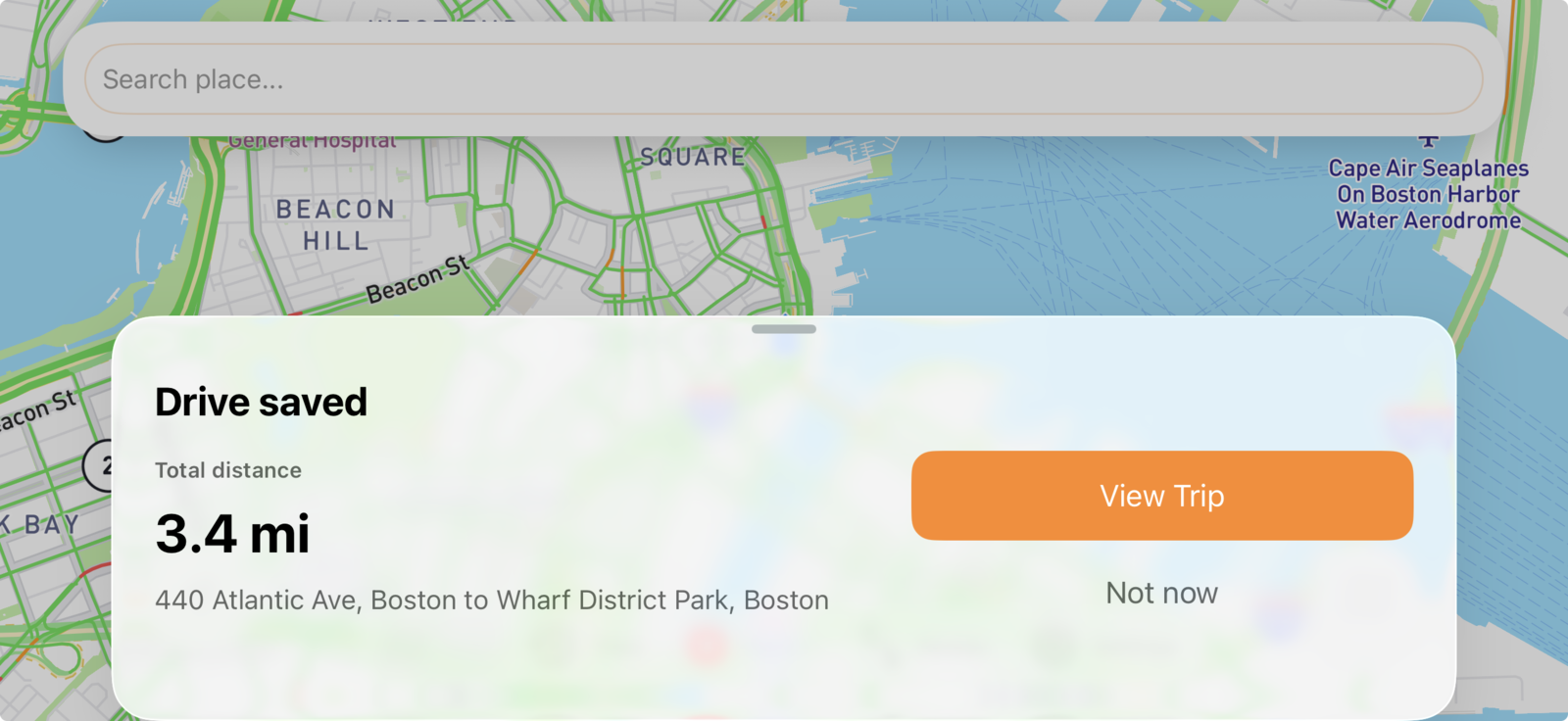
Use DashMap as a driving recorder app that captures the road ahead and maps the route behind it, so the video has location context when you review it later.
Need a dash cam app without a destination? Start Quick Record right away, then save moments during the drive and find them again during playback.
After the drive, review the route and video together, jump to bookmarks, trim the relevant footage, and share the clip directly from your iPhone.
Useful drive context
01 / Search
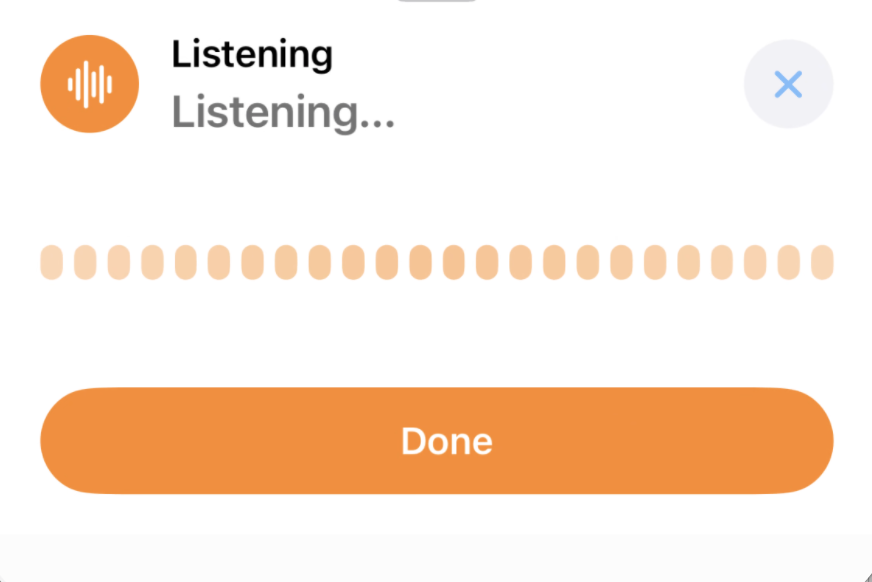
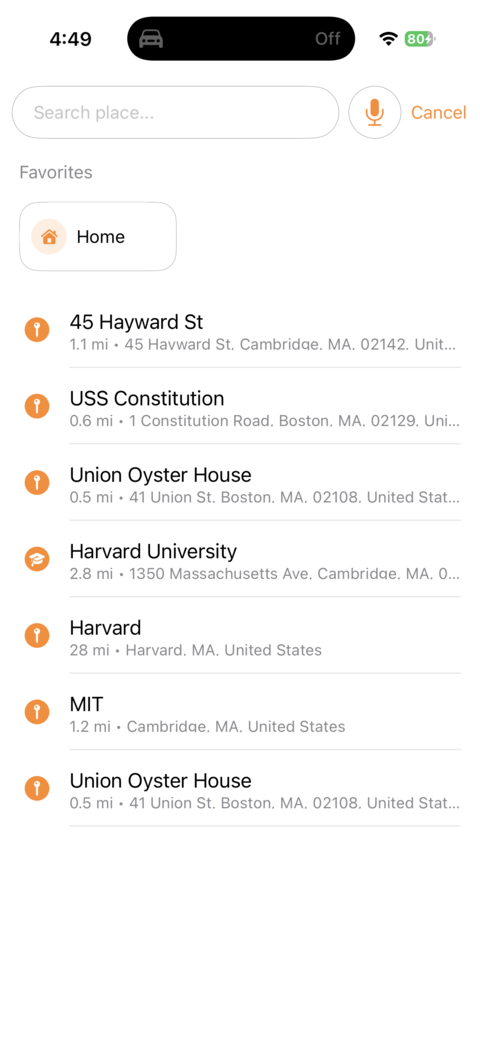
Choose a favorite, search nearby places, or use voice search when you want route context alongside the dash cam recording.
02 / Routes
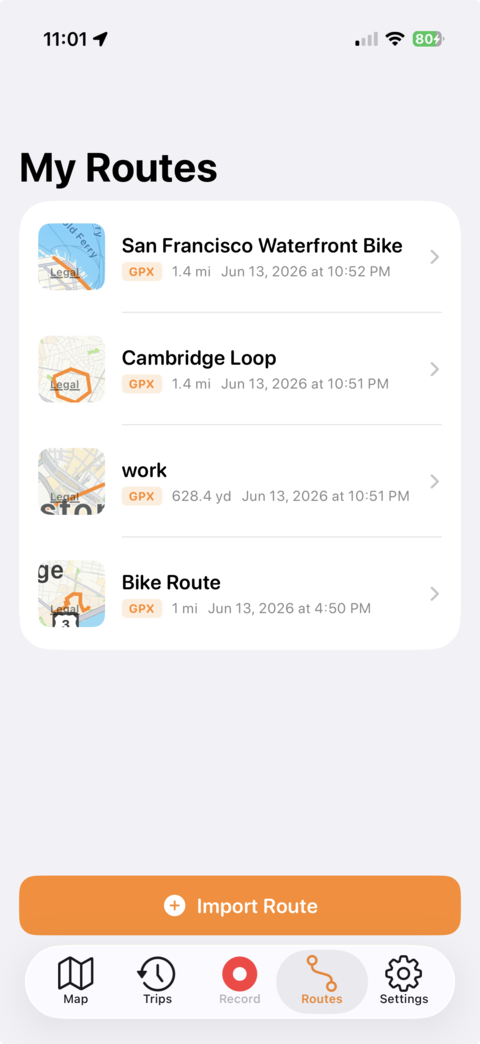
Import a GPX file and keep planned routes alongside recorded trips when you want DashMap to work like a road trip recorder.
03 / Map appearance
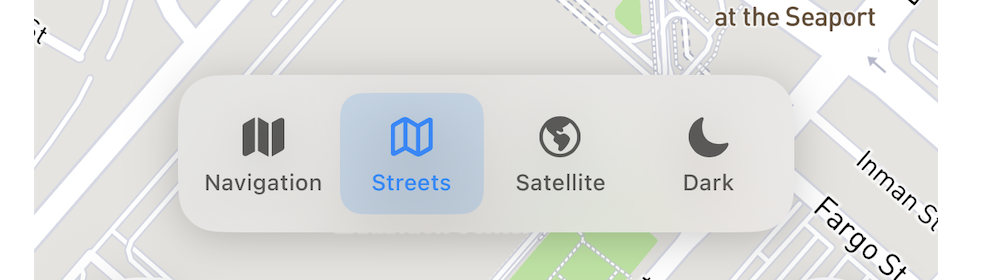
Switch among navigation, streets, satellite, and dark views when reviewing the map context around a saved drive.
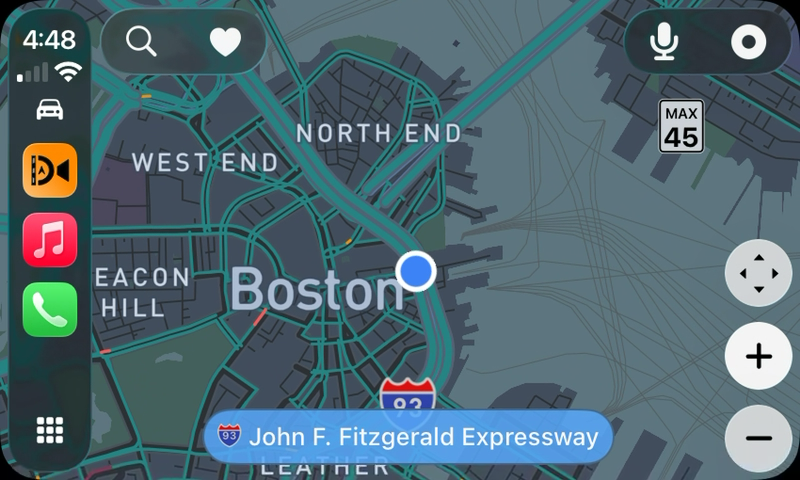
04 / CarPlay
Use recording controls, navigation controls, and reminders when CarPlay connects, while your mounted iPhone records the road.
Portable dash cam
DashMap works as an iPhone dash cam in your own car, rental cars, borrowed vehicles, and road trips because the recorder is the phone you already carry.
Free to download. Optional subscriptions are available in the app.
Use DashMap as a physical dash cam alternative when you switch cars, borrow a vehicle, rent for a trip, or want a recorder without permanent installation.
After a drive, DashMap can save your parking location so the driving memory does not end when the recording stops.
Set a 5, 10, 20, 40, or 60 GB video limit. When the limit is reached, DashMap removes the oldest footage first without interrupting the current recording.
If your iPhone gets too warm, DashMap automatically lowers the recording frame rate. It restores your selected frame rate after the device cools down.
iPhone dash cam questions
Clear answers about recording, heat, storage, CarPlay, rentals, footage access, and where installed dash cam hardware still has the advantage.
Yes. Mount your iPhone with a clear forward view, open DashMap, and start Quick Record or Navigate and Record before driving. DashMap records the road and keeps the video with route and trip context on your phone.
It depends on the drive. DashMap is a strong fit for rental cars, borrowed vehicles, road trips, occasional recording, and spare iPhones because it needs no separate camera or wiring. A permanently installed front-and-rear dash cam is better for automatic always-on and parking coverage.
DashMap monitors the iPhone thermal state and can lower the recording frame rate as the device gets warmer, then restore the selected frame rate after it cools. For long drives, keep the phone powered, shaded from direct sunlight, and exposed to airflow.
You choose a local video storage limit in DashMap. When the limit is reached, the app removes the oldest local video files first until usage returns below the selected limit, while leaving the active recording alone.
DashMap is designed for drives you intentionally record. It remembers where you parked after a drive, but it is not a replacement for a hardwired multi-camera system built for continuous parking surveillance.
Yes. DashMap provides CarPlay recording and navigation controls plus reminders when CarPlay connects. The mounted iPhone still records the road and may need to be opened before camera recording can begin.
Open the saved trip in DashMap to review the video with route and driving context, jump to bookmarks, trim the footage, and share the selected clip directly from the iPhone. There is no separate dash cam Wi-Fi connection or SD card transfer.
Spare iPhone dash cam
Mount a spare iPhone in your car, install DashMap, and use it as a dedicated driving recorder with route maps, parking memory, saved moments, and private local video storage.
No spare phone? No problem — DashMap also works on the iPhone you use every day.
Download freeUse a spare iPhone for recording while your everyday phone stays available for calls, messages, and other apps.
Turn an older iPhone with a working camera into a useful driving recorder instead of leaving it in a drawer.
Get a dedicated in-car recorder without buying, wiring, or managing a separate physical dash cam.

Your next drive
Keep the road video, route context, and important moments together—then review and share the footage directly from your phone.
Download free