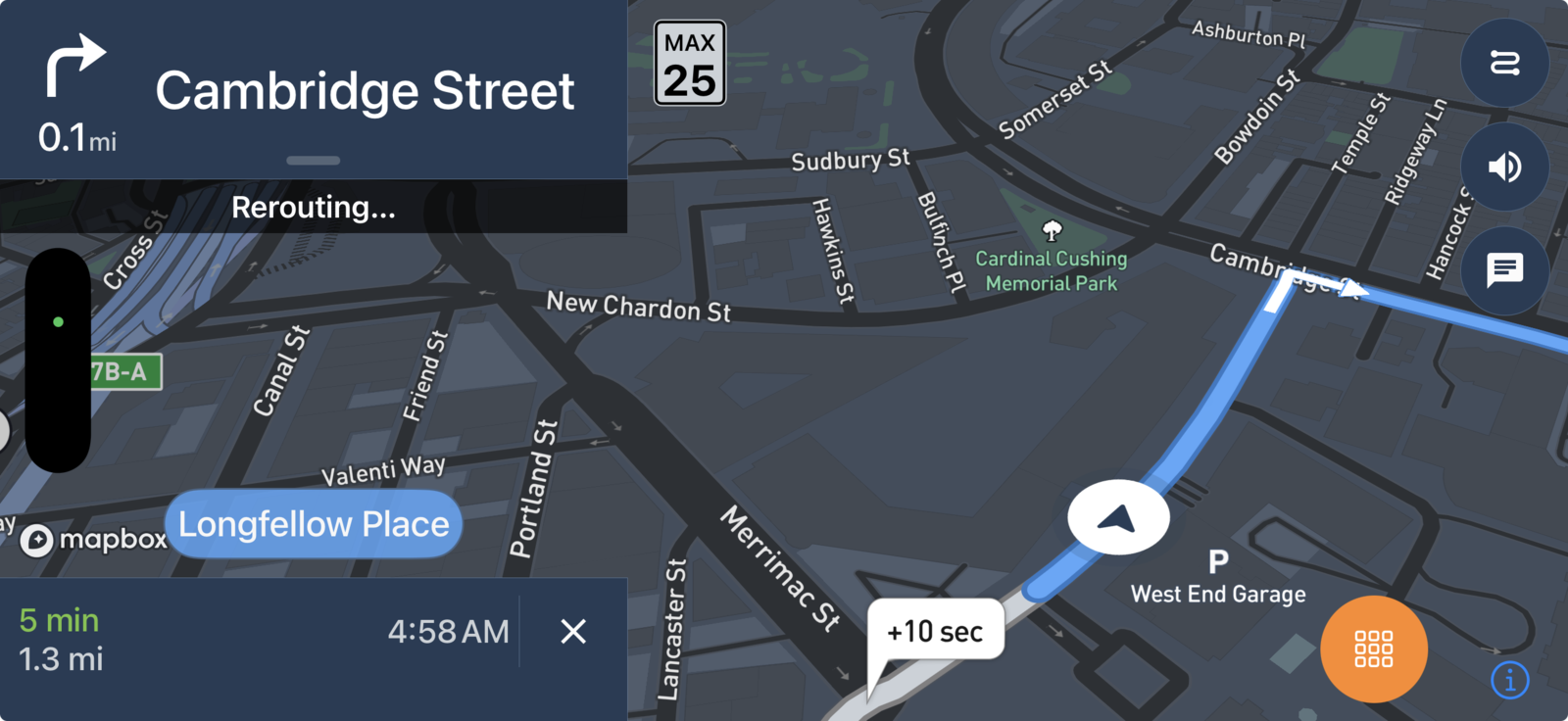
| Initial setup | Install the app, mount the iPhone, choose storage, and grant camera and location access. | Mount and power a separate camera; hardwiring or rear-camera cable routing may require installation work. |
|---|
| Recording start | Designed for drives the user intentionally starts, with CarPlay controls and reminders when supported. | Many models can start automatically when vehicle power is supplied. |
|---|
| Camera coverage | Records from the selected iPhone camera; not a permanent simultaneous multi-camera system. | Available in front-only, front-and-rear, cabin, and other multi-camera configurations. |
|---|
| Parking surveillance | Remembers parking location after a drive but does not provide continuous unattended parking recording. | Some compatible models offer parking modes when installed and powered appropriately. |
|---|
| Portability | Moves with the iPhone across personal, rental, borrowed, and shared vehicles. | Usually stays in the vehicle where it is mounted and wired. |
|---|
| Navigation context | Combines road video with route maps, destination context, parking memory, bookmarks, and driving events. | GPS and companion-app features vary; many models center on recorded clips. |
|---|
| CarPlay | Provides supported navigation and recording actions on the vehicle display while the mounted iPhone records. | Usually operates independently; companion apps commonly run on the phone rather than as CarPlay navigation. |
|---|
| Footage access | Review, trim, and share directly from the recording iPhone. | May use a memory card, camera Wi-Fi connection, companion app, or cloud service. |
|---|
| Storage | Uses a configurable amount of iPhone storage and removes the oldest local video after the selected limit is exceeded. | Usually uses removable memory; endurance, capacity, overwrite behavior, and cloud options vary. |
|---|
| Heat and power | Uses the iPhone battery and thermal envelope; power, shade, and airflow matter on long drives. | Purpose-built cameras are designed for in-vehicle power and temperature ranges that vary by model. |
|---|
| Privacy | Drive videos stay on the iPhone unless the user chooses to share them. | Depends on the memory card, companion app, remote access, and cloud settings of the chosen model. |
|---|
| Cost model | Free to download with optional in-app subscriptions; uses a compatible iPhone and mount. | Requires camera hardware and may add memory, installation, cellular, or cloud-subscription costs. |
|---|